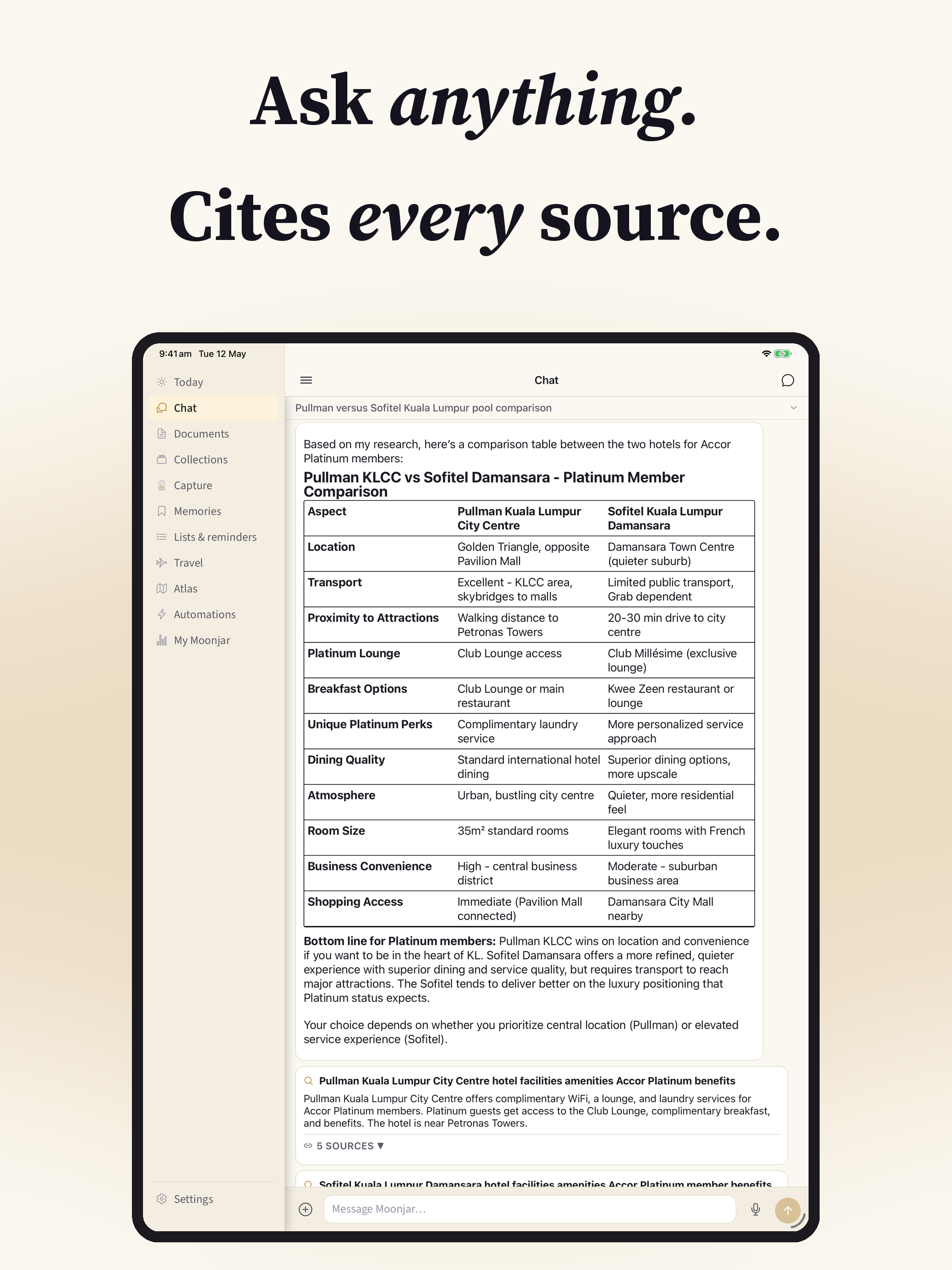
Moonjar is a personal knowledge system that captures anything you want to remember and hands it to an assistant that has already done the reading. Send it a photo, a link, a PDF, an email, a voice note, or a stray thought, and Moonjar files it, pulls out the details that matter, and answers when you come looking, with citations back to the source.
It replaces the pile of bookmarking apps, read-it-later queues, and note scratchpads with one place: save it once, ask for it later in plain language.
Visit moonjar.ioNative iOS, iPad, and Apple Watch apps, plus email and share-sheet capture from anywhere. Currently in private beta.
How it works
- Capture. Tap, paste, snap, speak, or forward to your private Moonjar email address. Anything you can hold for a second can become a document.
- Classify. The AI reads what you saved, decides what kind of thing it is, and extracts the structured details: dates, amounts, people, places, links, due dates.
- Find. Search by what you remember, not what you titled it. Hybrid search blends semantic meaning with full-text matching, so “that French place we walked past in Rome” actually finds the right note.
- Use. Ask the assistant. It reads across your captured documents, joins the dots, and answers with citations you can tap to verify.
What you can capture
- Text notes and stray thoughts
- Photos and screenshots, with the text inside them read automatically
- PDFs and document scans
- Web links, with the article body pulled in, not just the URL
- Voice recordings, transcribed automatically
- Email, by forwarding to your private save address
- Anything from the iOS share sheet
Features
- An assistant that has done the reading. Moonjar’s chat works from what you’ve captured. Ask it to summarise a PDF you saved this morning, dig a flight number out of last week’s confirmation email, or build a packing list from the itinerary already in your library. Every answer links back to the source.
- Hybrid search that finds by meaning. Semantic vector search and full-text matching run together, so vague, half-remembered queries land on the right document.
- Structure without schemas. The AI classifies each document into one of eleven types and extracts typed fields, so dates, amounts, and people are queryable, not buried in prose.
- Collections you build by talking. Describe a small personal database in conversation, like “track the wines I taste with vintage, region, and a one-line note,” and Moonjar creates the shape and lets you add to it from anywhere.
- Sharing and groups. Send any document as a revocable public link, or create a group with a short code to pool documents, conversations, and plans into one shared space the assistant answers across.
- Built for Apple platforms. Native iPhone and iPad apps, an Apple Watch companion for capture and quick lookup, share-sheet integration, Live Activities for upcoming flights and events, and push reminders for expiries.
Under the hood
Moonjar is a Node.js and TypeScript API backed by Postgres with pgvector, deployed on Railway. Documents are classified with Claude and embedded with Cohere embed-v4.0 for vector search, alongside Postgres full-text search and structured field lookup, with an auto router that picks the best mode per query. Email capture runs through AWS SES. An MCP server exposes the same library to Claude Desktop and other Model Context Protocol clients, so the assistant that has done the reading is available wherever you work.
FAQ
What makes Moonjar different from a notes app? A notes app stores what you type. Moonjar captures anything from anywhere, understands what each item is, extracts the structured details, and lets an assistant reason across all of it and answer with citations. You retrieve by meaning, not by remembering a title or folder.
How do I get things into it? Tap, paste, snap a photo, record a voice note, share from any app via the iOS share sheet, or forward an email to your private save address. Most things take one action.
Does the assistant make things up? Answers are grounded in your own captured documents and cite the source, so you can tap through and verify anything in one step.
Is it available on the App Store? Not yet. Moonjar is in private beta with native iOS, iPad, and Apple Watch apps. Visit moonjar.io to follow along.
Where is my data? Your captured content is yours. Moonjar uses third-party AI services only for the features that need them, and you can delete your account and all associated data at any time from inside the app.